Revoke a person's access
Cut one person off from the gateway, without touching anything else they can do in Onehouse.
Revoking refuses every gateway token the person holds, on every data plane in the project. They can still sign in to Onehouse. Only project admins and account admins can revoke or restore.
Revoke
- On the AI Gateway Overview, scroll to Revoked user access.
- Choose Revoke a person's access.
- Enter the Email the person signs in with. Optionally add a Reason. It is kept with the revoke and in the audit log, and the person never sees it.
- Choose Revoke access.
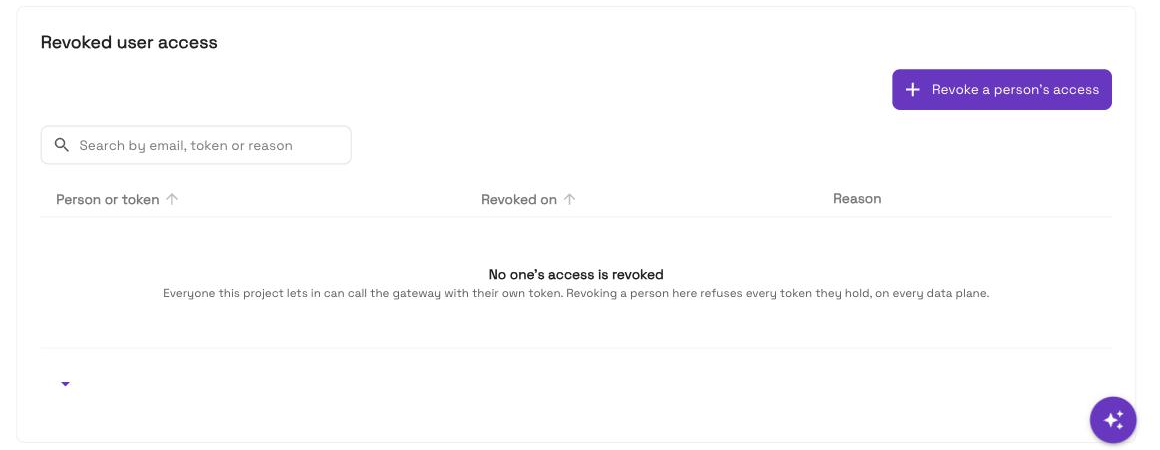
Each data plane enforces the revoke within about 10 seconds of applying it. If any data plane has not applied it yet, the console shows Not yet enforced on every data plane and names which. Onehouse keeps sending the revoke to those planes.
The console does not list active tokens, because they are issued inside your data plane. Revoking by email stops every token that person holds, now and later.
Restore
Choose Restore on the person's row. Their access works again once each data plane applies the change.
To change the reason on a revoke, restore the person first, then revoke them again.
When a revoke is refused
| Message | Means |
|---|---|
| No data plane … can enforce a revoke | The gateway on your data planes is too old to enforce one. Nothing was revoked. Ask Onehouse support to update it. |
| No data plane could be reached | Nothing was revoked. Try again. |
| Revoke cap reached (10,000) | Restore entries you no longer need, then try again. |
What a revoked person sees
Their calls are refused with 401 access_revoked. A new token is refused too. See Troubleshooting.
Service principals are different
An agent is cut off by unbinding its service principal, or by deleting its token. See Agent access.