Integrations
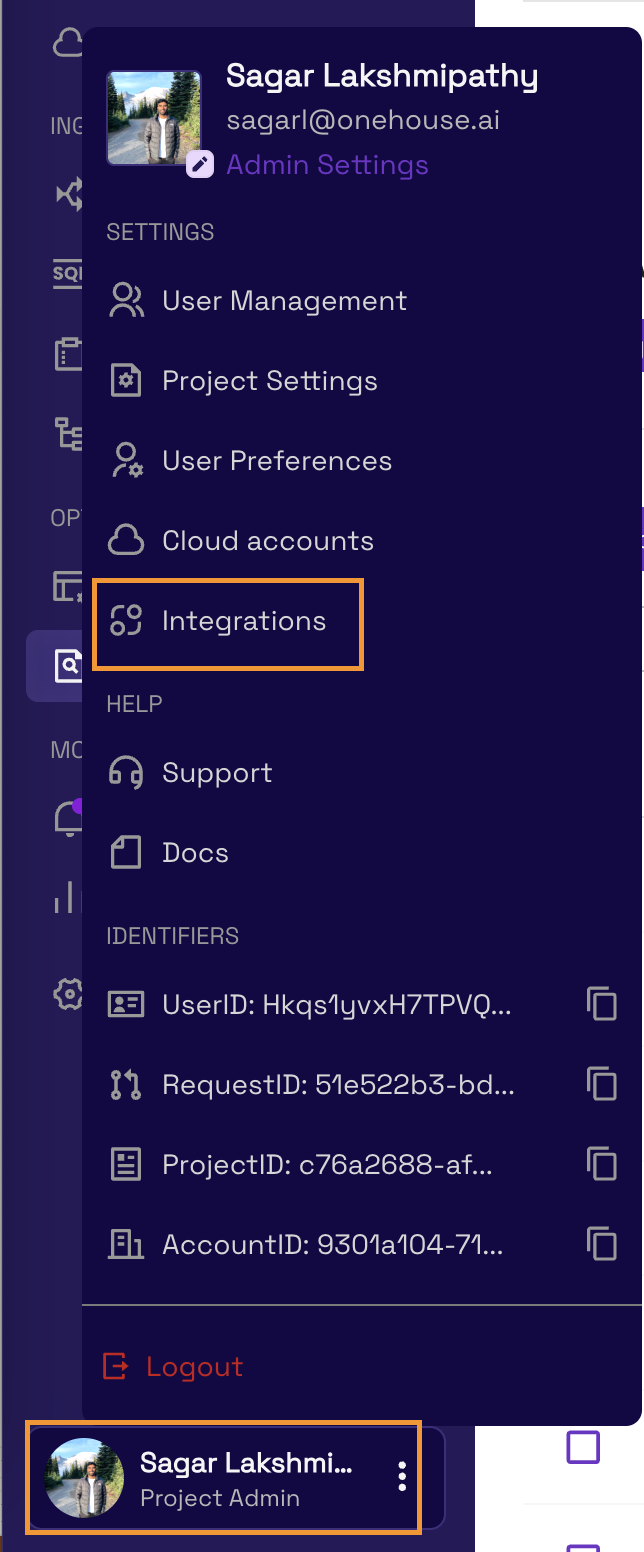
Navigate to the Integrations page in the Onehouse console under Settings > Integrations to connect third-party services and manage project-level dependencies.
Slack
Receive notifications via a Slack App when your Onehouse resources have updates.
How It Works
- Click Add to Slack to install the Onehouse Slack App via OAuth.
- Select a Slack channel to receive notifications.
- Notifications received through Slack mirror the in-app and email notifications.
- After connecting, click Configure to manage the Slack integration settings.
Limitations
- Only one Slack channel can be added per project for notifications.
- A Slack workspace can be associated with only one Onehouse project.
- Only Project Admins can connect or configure the Slack integration.
Managed JARs
Upload and manage custom JAR files for use with custom transformations, Proto JAR schema registries, and Spark Jobs.
Upload a JAR
- Navigate to Settings > Integrations > Manage JARs.
- Click Upload JAR.
- Choose one of two upload methods:
- Direct file upload — select a JAR file from your local machine (maximum 4 MB).
- Cloud storage URL — provide a path to a JAR in cloud storage (e.g.,
s3://bucket/path/custom.jar,gs://bucket/path/custom.jar, orabfss://container/path/custom.jar).
- Enter a display name for the JAR.
Manage JARs
- View details — click a JAR to see its name, upload timestamp, and uploader.
- Replace — from the JAR details page, upload a new version to replace an existing JAR. Flows and Jobs referencing the JAR will use the updated version.
- Delete — remove a JAR that is no longer needed.
info
Only Project Admins can upload, replace, or delete JARs.
Lock Provider
Lock Provider ensures safe operations when a table has multiple writers. You may enable one lock provider in each Onehouse project. Onehouse will automatically use the lock provider you configure for all writers in the project, such as Flows, Table Services, Jobs, SQL, etc.
For more information, please refer to Lock Provider.