Jobs
Jobs allow you to submit Apache Spark workloads in Java, Scala, or Python to run on the Onehouse Quanton engine with autoscaling, observability, automatic table management, and more built-in.
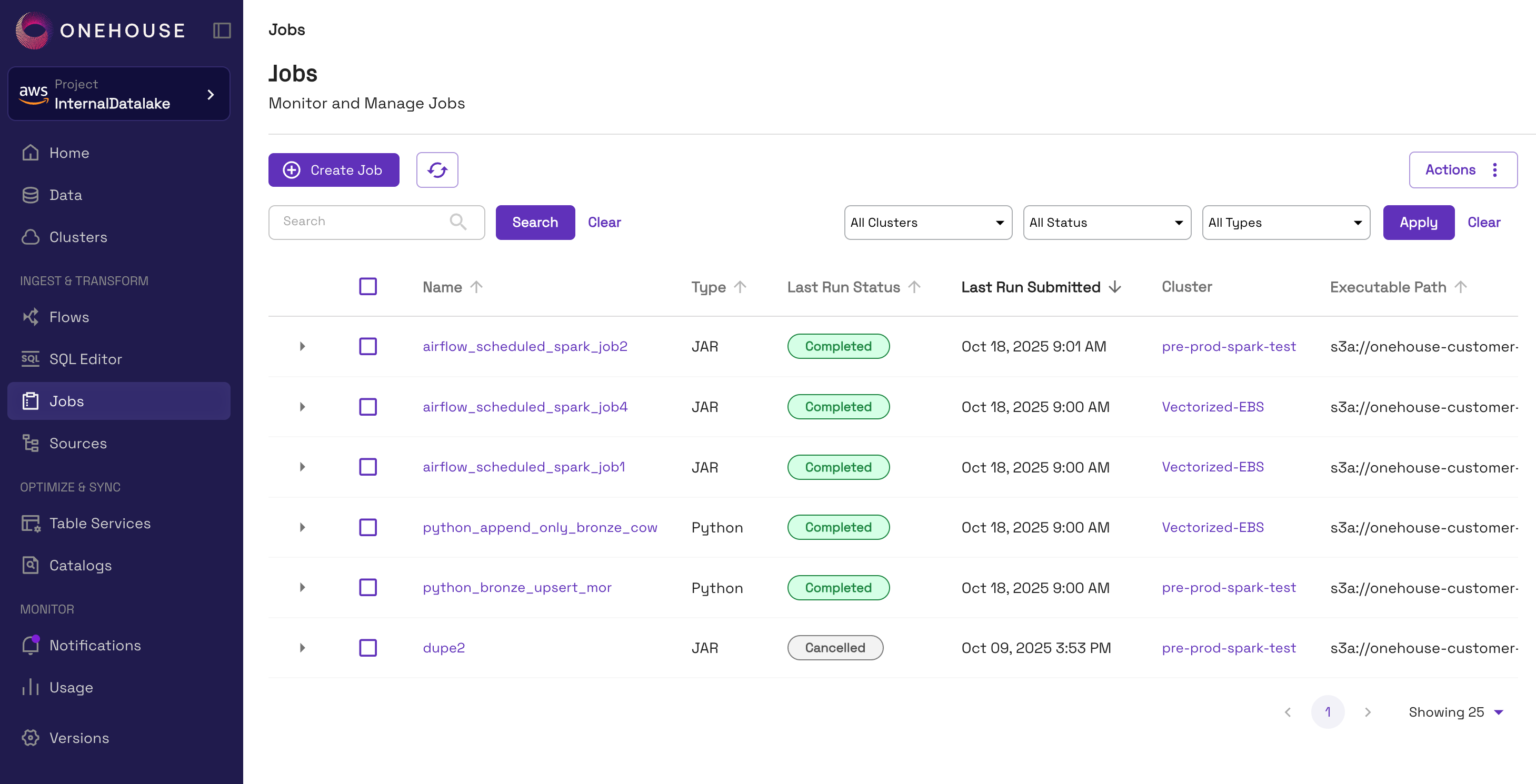
Prerequisites
- Lock provider configured in your Onehouse project (instructions)
- Active Onehouse Cluster with the 'Spark' type
Default Configurations
By default, Jobs will use the following configurations:-
| Component | Spark Configuration Key | Property | Value |
|---|---|---|---|
| Driver | spark.driver.cores | cores | 4 |
spark.driver.memory | memory | 8g | |
spark.driver.memory.overheadFactor | memory | 0.35 | |
| Executor | spark.executor.cores | cores | 4 |
spark.executor.memory | memory | 8g | |
spark.executor.memory.overheadFactor | memory | 0.35 | |
| Dynamic Allocation | spark.dynamicAllocation.enabled | enabled | true |
spark.dynamicAllocation.initialExecutors | initial no. of executors | 0 | |
spark.dynamicAllocation.minExecutors | minimum no. of executors | 0 | |
spark.dynamicAllocation.maxExecutors | maximum no. of executors | auto |
When modifying the default configurations, ensure that no individual driver or worker consumes more resources than the available resources on a single instance within your Cluster.
For optimal performance during critical operations, adhere to the recommended CPU and memory limits provided below.
If your environment includes additional DaemonSet pods—such as GuardDuty, Wiz, or Datadog—the recommended resource allocations may need to be further reduced. For guidance on specific configurations, please contact our support team.
- AWS Projects
| Compute Cluster Instance Type | Max Allocatable CPU | Max Allocatable Memory |
|---|---|---|
| 4 vCPUs, 16 GiB memory | 3500m | 13500Mi |
| 8 vCPUs, 32 GiB memory | 7500m | 28500Mi |
| 16 vCPUs, 64 GiB memory | 15000m | 56500Mi |
| 32 vCPUs, 128 GiB memory | 31000m | 117500Mi |
- GCP
- Reserve 500m CPU
- Reserve 800Mi memory
Work with lakehouse table formats
Jobs are completely compatible with Apache Spark, so you can work with any table format. In this section, we describe best practices for working with frequently-used lakehouse table formats.
Apache Hudi
Follow this example to create an Apache Hudi table with Jobs and register it in Onehouse.
Working with Apache Hudi:
- Jobs support reading from and writing to Apache Hudi tables.
- Apache Hudi version 0.14.1 is pre-installed on all Clusters running Jobs.
Do not modify the following Apache Hudi configurations in your code:
- hoodie.write.concurrency.mode
- hoodie.cleaner.policy.failed.writes
- hoodie.write.lock.*
By default, hoodie.table.services.enabled is set to false for Jobs, as Onehouse runs the table services asynchronously. If you set this to true, the Job will run table services in-line.
Apache Iceberg
Follow this example to create an Apache Iceberg table with Jobs.
Working with Apache Iceberg:
- Jobs support reading from and writing to Apache Iceberg tables.
- You can install Apache Iceberg from Maven or PyPI and include it as a dependency in your JAR or Python Jobs.
- When using an Iceberg REST Catalog (IRC) for your Spark Cluster, Apache Iceberg 1.10.0 will be automatically installed. See IRC documentation below:
Delta Lake
Working with Delta Lake:
- Jobs support reading from and writing to Delta Lake tables.
- You can install Delta Spark from Maven or PyPI and include it as a dependency in your JAR or Python Jobs.
Delete a Job
Jobs can be deleted to remove them from the Onehouse console and prevent users from triggering new runs.
To delete a Job, you can do one of the following:
- In the Onehouse console, open the Job from the Jobs page. Click Actions > Delete.
- Use the
DELETE JOBAPI command
Job runs already queued will not be canceled when you delete the Job.
Billing
Jobs are billed at the same OCU rate as other instances in the product, as described in usage and billing.
Limitations
- Currently, only Project Admins can view and run Jobs. We plan to expand access to more users introduce and Job-level roles to manage permissions.
- Apache Spark DataFrame methods that use the catalog (such as
saveAsTable,insertInto,append, andoverwrite) do not work with tables created by Flows. - Currently, the only supported Apache Spark properties are
--classand--conf.